Pet GPS Tracker Accuracy: Why Pins Jump & Fixes That Help
GPS Tracker Accuracy for Your Pet: Smart Tracking Tips & Reliable Location Insights
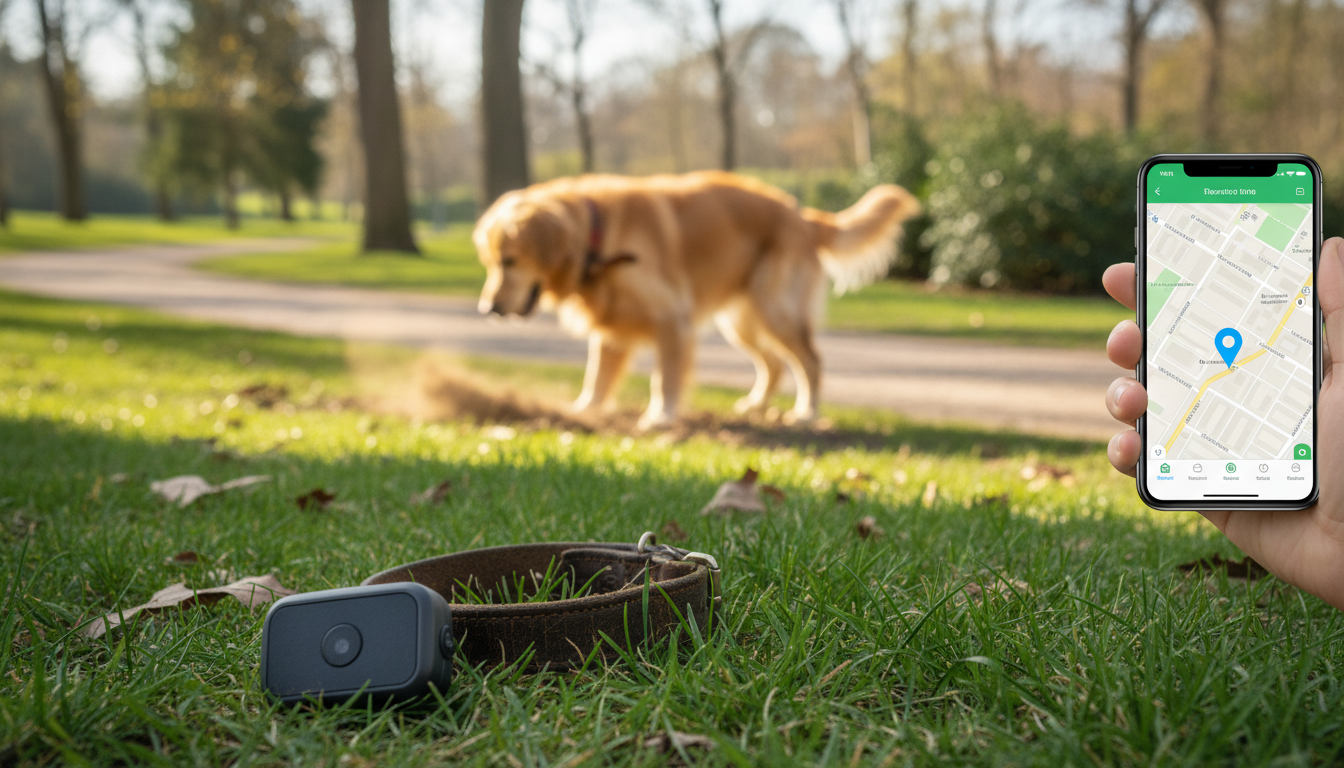
Pet GPS trackers can feel “off” when a pin jumps, lags, or lands on the wrong side of a street. Accuracy depends on satellites, cellular/Wi‑Fi assistance, surroundings, and how often the device reports. This guide breaks down what accuracy really means, what to expect in common pet scenarios, and how to get more reliable location updates.
What “accuracy” means for a pet GPS tracker
Accuracy is the distance between the reported location and your pet’s true position. Most systems effectively operate with an “error radius” (even if the app only shows a single dot), meaning your pet could be somewhere within a nearby zone rather than exactly on the pin.
Precision matters too. A tracker that consistently reports within the same small area is easier to trust than one that scatters points—even if both are occasionally offset from the true spot.
Update rate strongly affects perceived accuracy. If your dog is sprinting and the tracker updates every 60–120 seconds, the location may be “accurate” for where your pet was, but still look wrong for where your pet is now.
Many trackers blend methods—GNSS (GPS plus other constellations) with cellular and Wi‑Fi positioning. The best method can change minute to minute as your pet moves from open sky to tree cover to indoors.
How pet trackers determine location
GNSS (GPS, Galileo, GLONASS, BeiDou)
Satellite-based GNSS is usually the most accurate outdoors when the device has a clear view of the sky. When the tracker has a solid lock, points tend to cluster along your pet’s path.
Assisted GPS (A‑GPS)
A‑GPS uses network data to speed up the first location fix and improve reliability when satellite signals are weak. It doesn’t replace satellites; it helps the tracker “find” them faster and more consistently.
Cell tower positioning
When GNSS struggles, the tracker may estimate location using nearby cell towers. This can be useful for narrowing the search area, but accuracy varies widely based on tower density, signal strength, and network conditions.
Wi‑Fi positioning
In neighborhoods with many mapped Wi‑Fi networks, Wi‑Fi positioning can be surprisingly helpful—sometimes tightening the estimate when GNSS is blocked. In rural areas, it may contribute little or nothing.
Motion sensors and software smoothing
Accelerometers and filtering algorithms can reduce “jitter” by smoothing points that bounce around. If smoothing is too aggressive, it can also create a slight delay or make the pin “glide” past turns before snapping back.
Typical accuracy expectations in real pet situations
Real-world performance changes with the environment. Use the expectations below to avoid overreacting to a single odd ping.
| Environment | Common outcome | What helps most |
|---|---|---|
| Open sky | Tight clustering; reliable direction | Shorter update intervals; good collar placement |
| Tree cover | Occasional drift; delayed fixes | Pause briefly to reacquire; keep device exposed |
| Dense city | Pin jumps; wrong-side-of-street errors | More frequent updates; verify with landmarks |
| Indoors | Coarse location; intermittent tracking | Wi‑Fi/cellular positioning; last-known path history |
| Rural/low coverage | Gaps in reporting; late pings | Plan for dead zones; battery reserve for longer runtime |
In open parks and fields, trackers typically perform best. In suburbs, brief “across the street” shifts can happen as the tracker switches between satellite and assisted methods. In urban canyons, reflections off buildings can shove the location to the wrong block; more frequent updates help you confirm the direction of travel.
Why the pin “jumps”: the main causes of GPS drift
Finally, the location can be correct but delayed: if cellular upload is slow, the app may show where your pet was, not where your pet is. For official background on how GPS works and what affects performance, see GPS.gov and the GNSS basics page.
Smart tracking tips to improve reliability
Optimize collar placement
Give it a “sky moment” before you go
Match update frequency to the moment
Set geofences with a buffer
Keep app/firmware current and mind battery modes
Firmware and app updates frequently improve GNSS handling and filtering. Also note that low power modes can reduce update frequency (and sometimes location performance). Charge fully before high-risk outings. For general factors that affect wireless coverage and reliability, the FCC consumer guidance is a helpful reference.
How to read the map for actionable “location insights”
Quick at-home accuracy check (5–10 minutes)
Safety limits and when to escalate
Helpful resources
For a deeper, step-by-step walkthrough of interpreting “accuracy” and improving reliability during real searches, see GPS Tracker Accuracy for Your Pet – Complete Guide to Pet GPS Tracker Accuracy, Smart Tracking Tips & Reliable Location Insights. For a fun companion read that can also help with recall training and consistency when calling your pet, explore Calling Your Pet: Cute vs. Classic – A Smart Guide to Choosing Cute vs Serious Pet Names with Confidence.
FAQ
How accurate are pet GPS trackers in everyday use?
Accuracy varies by environment and the mix of GNSS, cellular, and Wi‑Fi positioning. Open sky tends to be the most reliable, while dense cities and indoor use can produce larger offsets. A faster update interval usually makes tracking feel more accurate when your pet is moving.
Why does the tracker show my pet across the street or in a nearby building?
This is often caused by signal reflections (multipath) and obstructions that distort satellite measurements, especially near buildings and trees. Check two or three consecutive updates and timestamps to confirm direction and whether the point is stabilizing.
How can accuracy be improved without buying a new tracker?
Improve collar placement, give the device 30–60 seconds outdoors to stabilize before heading out, and keep firmware/app updates current. Increase update frequency during active searches, add a buffer to geofences, and avoid power-saving modes when you need the most reliable tracking.















Leave a comment