Phone Detox for Better Sleep: 60-Minute Night Routine
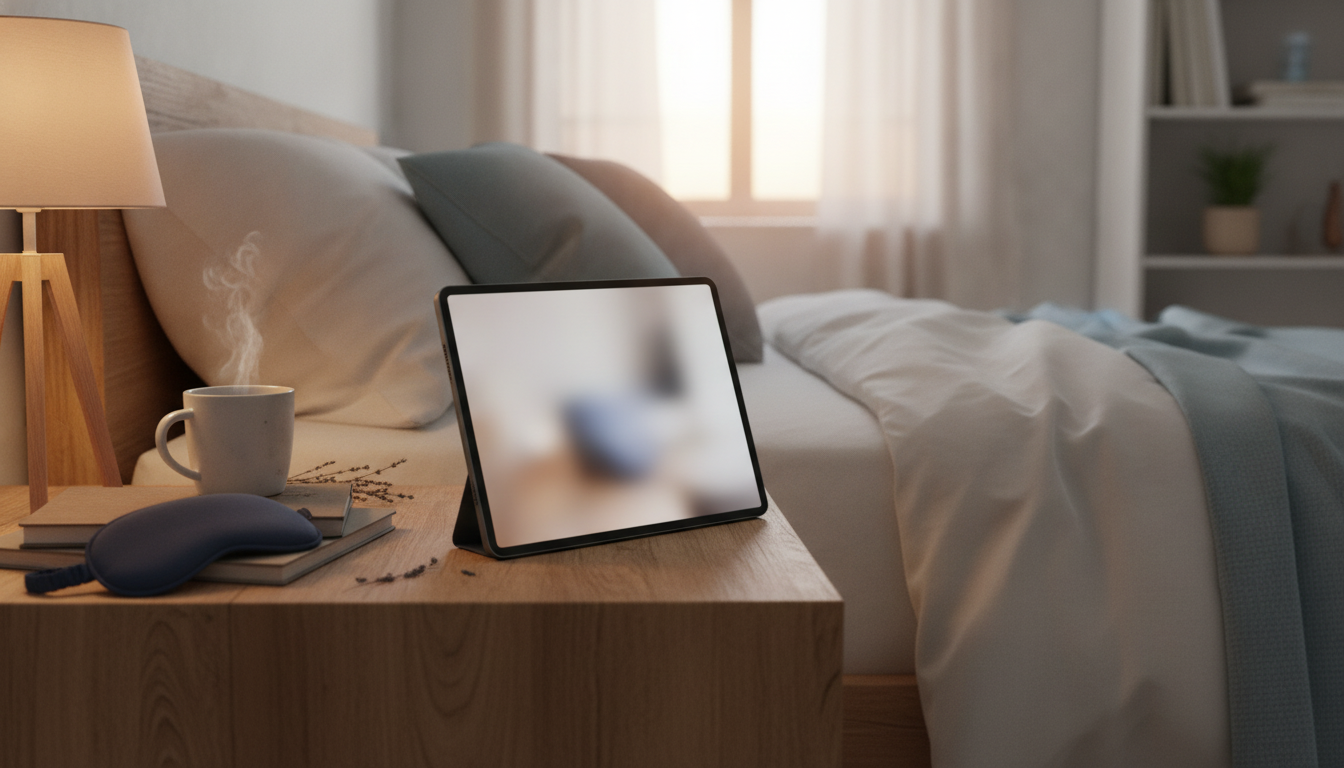
Smart Phone Habits for a Peaceful Night: A Practical Phone Detox Routine for Better Sleep
Nighttime phone use can quietly stretch into hours, keeping the mind alert and delaying real rest. A calmer evening doesn’t require giving up technology—it requires a few deliberate habits that reduce stimulation, protect bedtime, and make sleep the default outcome. This guide lays out a simple phone detox routine, a realistic bedroom setup, and a repeatable checklist that supports a more peaceful night.
Why phones make it harder to fall asleep
Most “can’t fall asleep” nights aren’t caused by a lack of willpower—your phone is simply designed to keep you engaged. A few common factors tend to stack together:
- Light exposure late in the evening can interfere with the body’s natural sleep-wake timing, especially when screens are close to the face.
- Notifications, scrolling, and short-form content can keep the brain in “seeking mode,” making it harder to downshift into sleep.
- Emotional activation (news, arguments, work messages) increases stress and rumination at the exact time the nervous system needs to slow down.
- Time distortion is common: “just a few minutes” often becomes 30–90 minutes, reducing total sleep time and consistency.
For a bigger-picture look at healthy sleep basics, the CDC’s sleep resources and the NIH (NHLBI) guide to sleep deprivation are solid starting points.
A quick self-check: identify the habit that’s costing the most sleep
Before changing everything, pinpoint the one pattern doing the most damage. A small, targeted change is easier to repeat—and repetition is what makes this feel automatic.
- Track the last 3 nights: note what time the phone was last used, what content you consumed, and how long it took to fall asleep.
- Spot the main trigger: boredom, loneliness, stress, procrastination, or fear of missing out.
- Choose one habit to change first: notifications, location (bed), content type, or timing.
- Set a measurable goal for 7 days: for example, phone out of bed + no social apps after a set time.
The 60-minute wind-down plan (simple, repeatable, and realistic)
This routine keeps the benefits of a phone (alarms, quick planning, essential messages) while removing the parts that reliably steal sleep.
- 60–45 minutes before bed: set the phone to a low-stimulation mode (Do Not Disturb, grayscale, or a bedtime focus).
- 45–30 minutes before bed: complete “closing tasks” (set alarm, confirm calendar, quick check for urgent messages), then stop open-ended browsing.
- 30–15 minutes before bed: replace scrolling with a low-arousal activity (shower, gentle stretching, light reading, journaling, preparing clothes for tomorrow).
- 15–0 minutes before bed: phone stays off the bed; lights dim; use a consistent cue (tea, breathwork, calming playlist).
- If sleep doesn’t come in ~20 minutes: avoid picking up the phone; switch to a quiet, dim activity until drowsy.
Phone settings that reduce nighttime stimulation
Settings won’t fix everything, but they can remove the “auto-hook” moments that keep you awake.
- Silence interruptions: use Do Not Disturb/Focus, whitelist only true emergencies, and schedule it nightly.
- Remove the “slot machine” effect: disable non-essential badges, banners, and lock-screen previews.
- Lower visual intensity: enable dark mode, reduce white point, or use grayscale in the evening.
- Create friction: move tempting apps off the home screen, log out nightly, or use app limits during the wind-down window.
- Make alarms work without temptation: place the phone across the room, or use a basic alarm clock so your phone can stay out of reach.
Blue light filters can help reduce visual intensity, but they don’t address mental stimulation from content and alerts. Harvard Health has a helpful overview of the blue light and sleep connection and why behavior still matters.
Design the bedroom to make the healthy choice automatic
If your environment nudges you to pick up the phone, you’ll end up negotiating with yourself every night. Set up the room so the easiest move is the restful one.
Nighttime phone checklist (printable routine)
| When | Action | Setting/Tool | Done |
|---|---|---|---|
| 60 min before bed | Turn on Bedtime Focus / Do Not Disturb | Focus, DND, emergency allow-list | □ |
| 45 min before bed | Set alarm and plug phone in away from bed | Charging station outside reach | □ |
| 30 min before bed | No open-ended feeds (social/news/video) | App limits, remove shortcuts | □ |
| 20 min before bed | Dim lights and switch to a calming activity | Lamp, book, stretching, journal | □ |
| At bedtime | Phone stays off bed and face-down | Physical boundary | □ |
| If awake at night | No phone; use a quiet reset activity | Breathing, low light reading | □ |
Common obstacles and quick fixes
A guided routine that’s ready to download
For an extra screen-free wind-down option, a light, low-stakes reading prompt can replace late-night scrolling without revving up your brain: Calling Your Pet: Cute vs. Classic – A Smart Guide to Choosing Cute vs Serious Pet Names with Confidence.
FAQ
How long before bed should the phone be put away?
A practical target is 30–60 minutes before bed, with earlier generally working better. If consistency is tough, start with 30 minutes for one week and then expand the window once it feels routine.
Is using Night Shift or blue light filters enough to protect sleep?
Blue light filters can reduce visual stimulation, but they don’t stop the brain-activating effects of notifications and engaging content. Pair filters with Focus/Do Not Disturb and a short wind-down routine for a bigger impact.
What if the phone is needed as an alarm?
Place the phone across the room (or outside the bedroom) so it can’t be grabbed on autopilot. If you keep it nearby, use an emergency allow-list and silence everything else overnight.















Leave a comment